
Tech setup in a new home has a specific failure mode: people bring their old equipment, assume it’ll work the same way in the new space, and then spend weeks fighting a problem that a five-minute upgrade would have solved. This is what’s actually worth addressing early, and what’s fine to bring over as-is.
Networking Comes First, Not Last
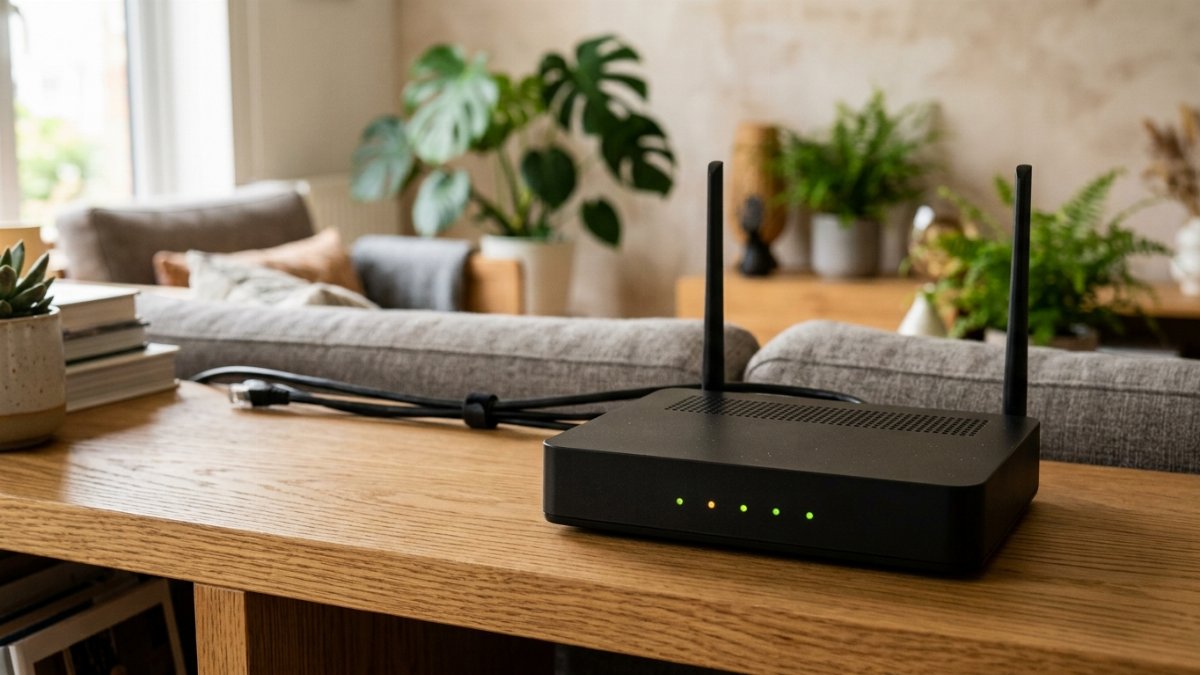
The most common tech mistake in a new home is reusing a router that was sized for the old place. An apartment router dropped into a house with more walls and more square footage is the single most common cause of “why is the wifi so bad here” complaints in the first month – and it’s usually not the internet plan’s fault at all. Test coverage in every room before assuming you need a full mesh system; sometimes repositioning or a single extender solves it.
See our Tech & Electronics reviews for current picks on routers and mesh systems sized for different home layouts.
Set Up a Real Charging Station Per Room
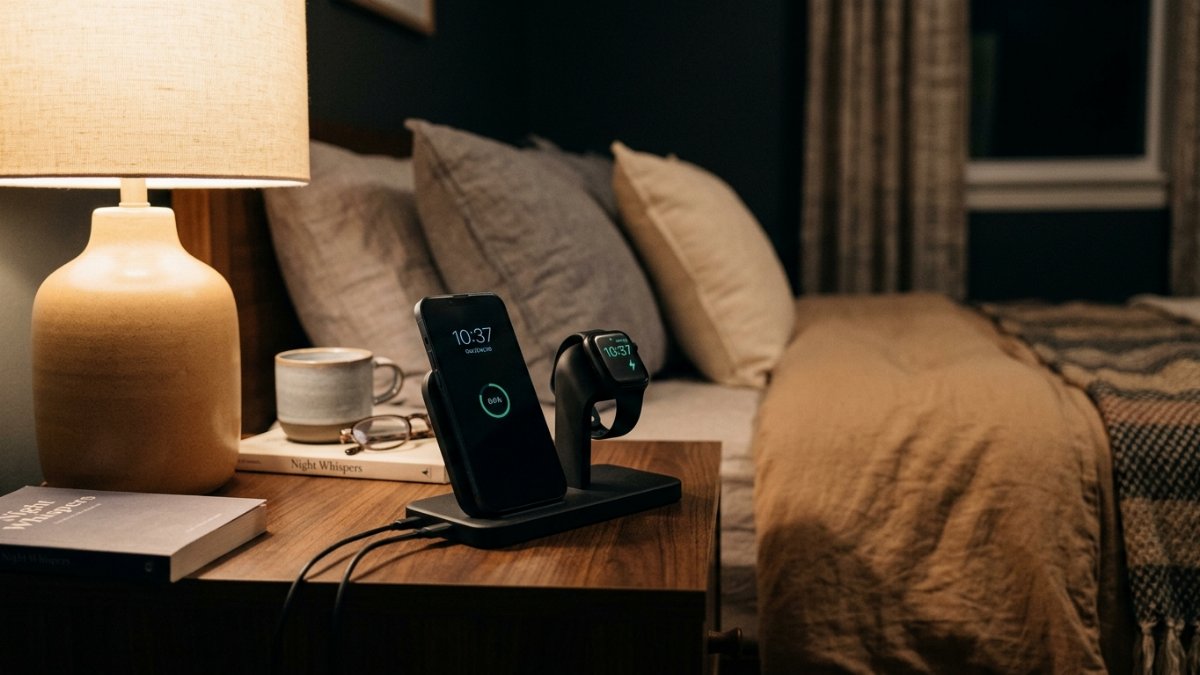
It sounds minor, but one of the more consistently underrated purchases in a new home is simply having enough chargers in the right places – a bedside charger, a kitchen counter charger, and one near the main seating area covers most daily friction points. It’s cheap to fix and easy to forget until you’re digging through a moving box for the one charger you own.
TV and Home Office, on Your Own Timeline
A new living room layout often changes what TV size actually makes sense, so it’s worth waiting until furniture is placed before mounting or buying anything new. If you work from home, prioritize the desk setup over the TV – a laptop balanced on a lap for weeks is a fast way to end up with a genuinely bad back-and-shoulder habit that outlasts the move itself.
Frequently Asked Questions
Why is my wifi worse in my new home than my old one?
Usually it’s router placement and coverage, not your internet plan. Larger homes, more walls, and different building materials all affect wifi range – a router that worked fine in a smaller space often can’t cover a bigger one without help from an extender or mesh system.
Do I need a mesh wifi system in a new home?
Not always. Test signal strength in every room first. A single well-placed router or one extender solves a lot of coverage gaps; mesh systems are more clearly worth it in larger homes or ones with multiple floors and dead zones.
What tech should I set up before anything else?
Internet and networking, before anything that depends on it – smart home devices, streaming, and work-from-home setups all assume a stable connection is already there.
For the full new-home setup, see our complete New Homeowner Checklist.