
Robot vacuum mapping works by pairing a sensor, either LiDAR or a camera, with SLAM software that draws a floor plan on the first run.
How a robot vacuum builds a map
The robot needs two answers at once: what is around it, and where it is inside that space. SLAM (simultaneous localization and mapping) is the software that solves both together. Sensors report distances to walls and furniture, and wheel and gyroscope data estimate how far the robot has moved since the last reading.
The software stitches those readings into a floor plan, usually drawn as an outline of walls and obstacles. As the robot drives, it keeps comparing what it sees now with what it has already drawn.
Why loop closure matters
Wheels slip and small errors pile up, so the drawn map slowly drifts. When the robot returns to a spot it has seen before, SLAM recognizes it and corrects the drift. That correction is called loop closure, and it is why finished maps have straight walls instead of curved ones.
Why a picked-up robot gets lost
If you carry the robot to another room mid-run, its wheel and gyro estimate no longer matches reality. It has to re-match what its sensors see against the saved map, which is why some robots circle or restart a scan after being moved. Performance here varies by model.
LiDAR vs camera vs gyroscope navigation
Three navigation styles cover almost every robot vacuum. Only the first two produce a map you can edit in an app.
| Type | How it senses | Strength | Limit |
|---|---|---|---|
| LiDAR | A spinning laser times its reflection off walls and furniture to measure distance | Works with the lights off; builds the outline quickly | Can misread mirrors, glass and very dark or shiny surfaces; the turret adds height |
| Camera (vSLAM) | A camera tracks visual landmarks such as ceiling edges and furniture | Can also recognize objects like cords or shoes on models with AI detection | Needs light; sensitive to changing lighting |
| Gyroscope and bump | A gyro tracks heading while bump and infrared sensors detect contact and nearby objects | Simple and low cost; follows a systematic pattern on many models | No saved map, so no room selection or no-go zones |
Specific range, scan rate and accuracy figures differ by model and are published by manufacturers, not by the technology type, so compare spec sheets rather than assuming one method is better. Some models combine a laser with a camera.
What the first mapping run looks like
On the first run the robot leaves its dock and drives through the open areas of your home while the app draws the floor plan live. Some models offer a mapping-only pass where the robot explores without vacuuming. Others map while they clean, so the first cleaning is the mapping run.
- Open doors to every room you want mapped and pick up cords, socks and pet waste.
- Place the dock against a wall with clear space around it, then start the run from the app.
- When the robot returns to the dock, the app shows the finished map and asks you to save it.
- Rename rooms, then split or merge any room the robot divided incorrectly.
Run time depends on home size and model, and some robots need a second pass to finish the map. For the full unboxing and app pairing sequence, see our guide on how to set up a robot vacuum.
What a saved map lets you do
Once saved, the map turns the robot from a wanderer into something you can direct.
- Room selection: clean only the kitchen, or run rooms in an order you choose.
- No-go zones and virtual walls: draw boxes or lines in the app to keep the robot off pet bowls, cord clusters, fragile areas and rugs with fringe.
- Multi-floor maps: many models store separate plans per floor and recognize which one they are on after you carry the robot upstairs. The number of stored maps depends on the model.
- Systematic routes: with a map, the robot cleans in rows instead of bouncing randomly, which tends to cover more floor per battery charge.
- Map updates: if you move furniture, most apps adjust the map over later runs. Rearranging a whole room can call for deleting that map and remapping.
Where robot vacuum mapping struggles
Most mapping errors trace back to what the sensor cannot read.
- Glass, mirrors and shiny walls: lasers can pass through or bounce off them, leaving gaps or phantom walls. Block the area with a virtual wall.
- Black carpets and dark rugs: downward cliff sensors may read them as a drop, so the robot refuses to cross or stops short.
- Dark rooms: camera-based robots need light, so run them during the day or switch on lights.
- Direct sunlight: strong glare can confuse infrared and camera sensors near windows.
- Thresholds: a robot that cannot climb a transition strip will map one side only. Climb height is listed in each model’s specs.
- Tight clutter: chair legs and cords can make the robot mark open floor as blocked.
If a map looks wrong, clear the floor, fix the problem area, delete the map in the app and run a fresh mapping pass.
Privacy, Wi-Fi and where your map is stored
A map is a floor plan of your home, and camera models may also capture images for obstacle recognition. Some manufacturers store maps on their cloud servers, and others keep more data on the device, so the answer depends on the brand and model.
Before you buy or pair, read the privacy policy for these points:
- Whether maps and images are uploaded, and for what purpose.
- How long data is kept, and whether you can delete maps from your account.
- Whether cloud features can be turned off and what you lose if you do.
- App permissions requested on your phone, such as location or microphone access.
Many robots need Wi-Fi only for app control, but how much works offline varies; see what works with a robot vacuum without WiFi.
Our Top Picks
Ready to shop? These are the top-rated options from our related roundup, Best Robot Vacuums of 2026.

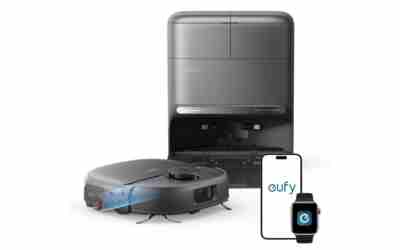
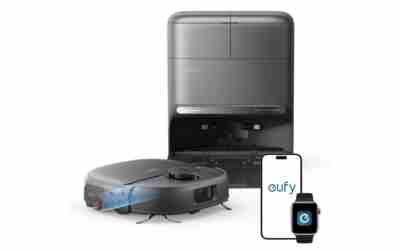
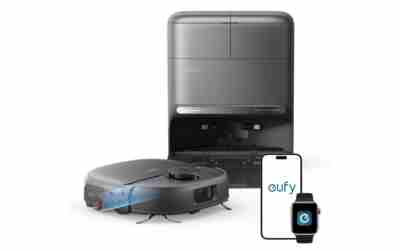
eufy E25 Robot Vacuum with HydroJet Mop

eufy C28 Robot Vacuum and Mop Combo, 15,000 Pa
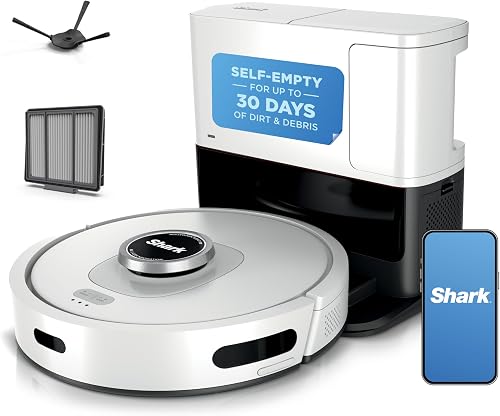
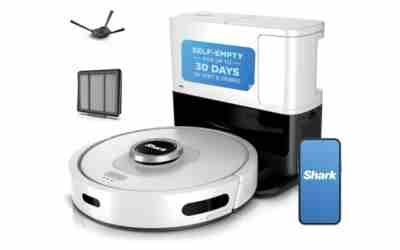
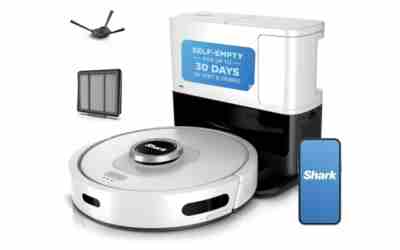
Shark AI Ultra Robot Vacuum AV2511AE
As an Amazon Associate we earn from qualifying purchases. Product prices and availability are accurate as of the date/time indicated.
Frequently Asked Questions
Will the robot map a room if the door is closed?
No. The robot only maps areas it can physically enter, so a closed door leaves that room blank. Open the door before the first run, or the room stays missing until you remap.
Does a factory reset delete the saved map?
Yes. A reset clears saved maps and room settings from the robot, so it needs a new mapping run afterward. Rename rooms and redraw no-go zones once the new map finishes.
Can I move my map to a new robot vacuum?
No. A map is tied to the robot and its app account, so a new robot builds its own map on its first run. Plan to redraw rooms and no-go zones on the new one.
Can a robot vacuum map a patio or garage?
No. Robot vacuums are built for indoor floors, and sunlight, dirt and drop-offs make outdoor mapping unreliable. Use a handheld or stick vacuum for those areas.
{“@context”: “https://schema.org”, “@type”: “FAQPage”, “mainEntity”: [{“@type”: “Question”, “name”: “Will the robot map a room if the door is closed?”, “acceptedAnswer”: {“@type”: “Answer”, “text”: “No. The robot only maps areas it can physically enter, so a closed door leaves that room blank. Open the door before the first run, or the room stays missing until you remap.”}}, {“@type”: “Question”, “name”: “Does a factory reset delete the saved map?”, “acceptedAnswer”: {“@type”: “Answer”, “text”: “Yes. A reset clears saved maps and room settings from the robot, so it needs a new mapping run afterward. Rename rooms and redraw no-go zones once the new map finishes.”}}, {“@type”: “Question”, “name”: “Can I move my map to a new robot vacuum?”, “acceptedAnswer”: {“@type”: “Answer”, “text”: “No. A map is tied to the robot and its app account, so a new robot builds its own map on its first run. Plan to redraw rooms and no-go zones on the new one.”}}, {“@type”: “Question”, “name”: “Can a robot vacuum map a patio or garage?”, “acceptedAnswer”: {“@type”: “Answer”, “text”: “No. Robot vacuums are built for indoor floors, and sunlight, dirt and drop-offs make outdoor mapping unreliable. Use a handheld or stick vacuum for those areas.”}}]}