
The box says “Works with Matter.” The listing says “Zigbee 3.0 compatible.” Your existing hub says it needs Thread. None of these words mean the same thing, and picking the wrong one is why half the smart plugs returned on Amazon get returned for “compatibility issues” that were never really about compatibility at all. Here’s what each badge actually promises, and the one question that tells you whether you need a hub.
We independently review everything we recommend. When you buy through our links, we may earn a commission. As an Amazon Associate we earn from qualifying purchases. Learn more.
Matter Is a Language, Not a Network
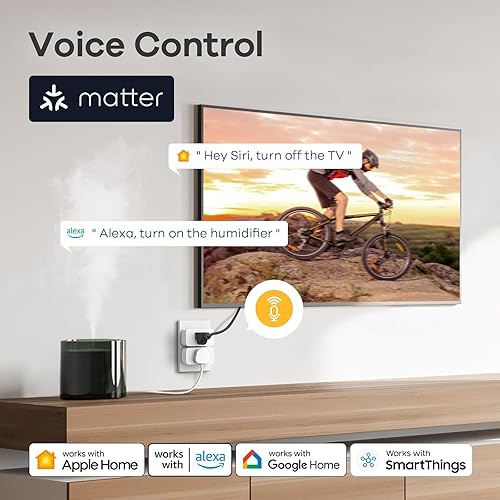
Matter isn’t a radio and it isn’t a wireless signal you can measure with a phone app. It’s a shared software language that lets an Amazon Echo, a Google Nest hub, and an Apple Home app all talk to the same device without three separate skins on top of it. A “Matter compatible” label means the device speaks that language, nothing about how the data physically gets to it. That part is decided separately, by whichever radio is actually built into the device: Wi-Fi, Thread, or occasionally Bluetooth for setup only.
This is the part that trips people up. Two devices can both say “Works with Matter” and still behave completely differently once you unbox them, because one talks over your existing Wi-Fi and the other needs a Thread radio nearby to relay it.
Thread Is the Radio, Not the Brand You Bought
Thread is a low-power mesh radio protocol, built for small battery-run devices like door sensors, smart locks, and plugs that need to stay online without draining a battery in three weeks. Unlike Wi-Fi, Thread devices relay signal to each other, so a Thread network gets more reliable as you add devices instead of straining a single router.
The catch: your phone and your Wi-Fi router don’t speak Thread natively. A Thread device needs a Thread border router nearby, a small piece of hardware that translates between the Thread mesh and your regular network. Most people already own one without realizing it, because recent Apple TVs, Google Nest hubs, Amazon Echo (4th-gen and newer), and many mesh Wi-Fi routers all quietly include a Thread border router built in. Our Matter smart home hub guide covers which specific models double as one.
Zigbee: The Standard That Came Before Matter
Zigbee is an older low-power mesh protocol that does a similar job to Thread and has been running smart bulbs, sensors, and plugs for over a decade. The difference is ecosystem lock-in: a Zigbee device generally needs its brand’s own hub (a Philips Hue Bridge, a SmartThings hub, an Aqara hub) to join a network, and that hub often only talks nicely to devices from the same family. Matter is slowly bridging this gap, since several Zigbee hub makers now expose their devices to Matter through a software update, but a Zigbee device bought today still isn’t automatically Matter-native the way a new Thread device usually is.
If you already own a shelf of Zigbee bulbs and sensors from one ecosystem and they work fine together, there’s rarely a reason to rip them out for Thread. The decision matters most when you’re buying new devices from scratch.
Plain Wi-Fi: When You Don’t Need Any of This
Plenty of smart home devices skip the mesh radios entirely and just connect straight to your home Wi-Fi, the same way a laptop does. This is the simplest option on paper, since there’s no border router or bridge hub to buy, but it comes with two real costs. First, every Wi-Fi device is a full router connection competing for the same bandwidth and the same limited number of simultaneous device slots your router can handle well, and a smart-plug-heavy household can quietly overload a budget router long before you’d expect. Second, plain Wi-Fi devices with a battery (not plugged into power) tend to burn through it far faster than a Thread or Zigbee equivalent, because Wi-Fi radios are much less power-efficient at idle.
Plain Wi-Fi is the right call for anything that’s already plugged into constant power and doesn’t need to relay for other devices, which is exactly why smart plugs are one of the most common Wi-Fi-only smart home products on the market.
Do You Actually Need a Thread Hub?
The test is simple: check what radio the specific device you’re buying actually uses, not just whether the box says Matter. If a product page or manual lists Thread as the radio, you need a Thread border router somewhere in range, whether that’s a dedicated one or a smart speaker/router that already includes one. If it lists Wi-Fi, you don’t need anything extra beyond the router you already have. Retail listings usually bury this detail in the specs section, not the headline features, so it’s worth a 30-second check before buying rather than after unboxing.
A useful shortcut for smart plugs specifically: a Wi-Fi Matter plug works the moment it’s plugged in and joined to your network. A Thread Matter plug won’t join anything at all until a border router is already present and turned on.
Two Real Plugs, Two Different Answers
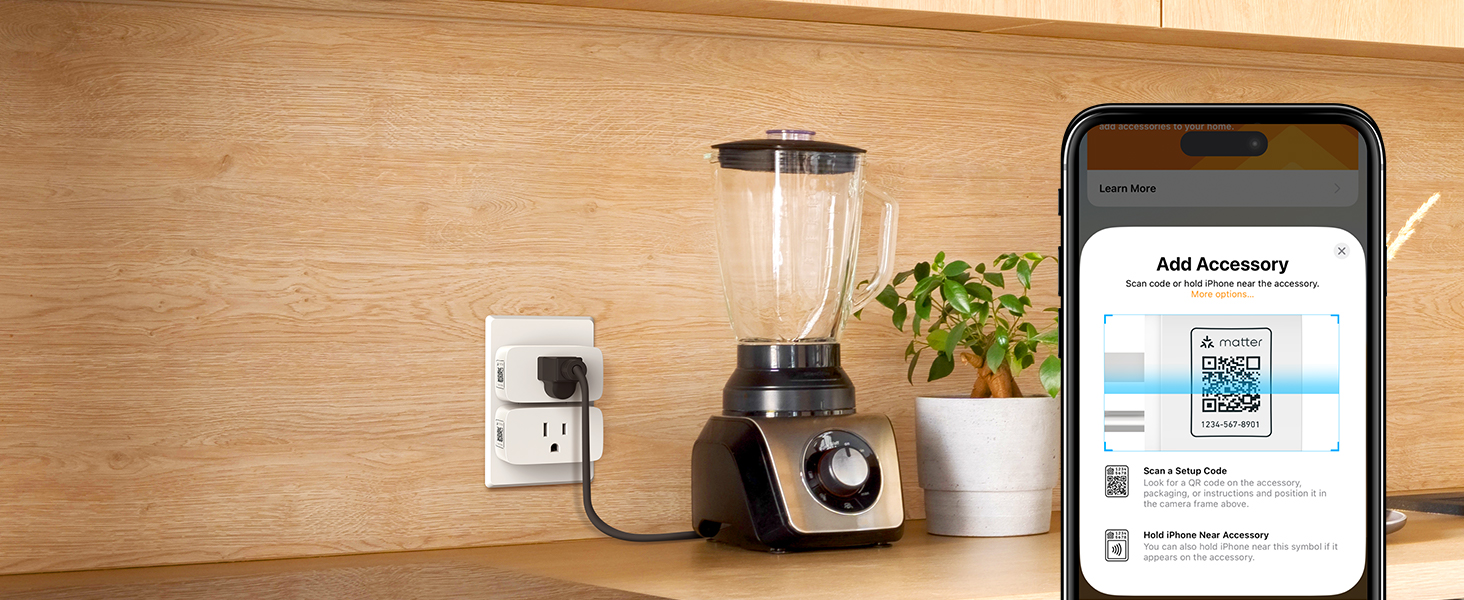
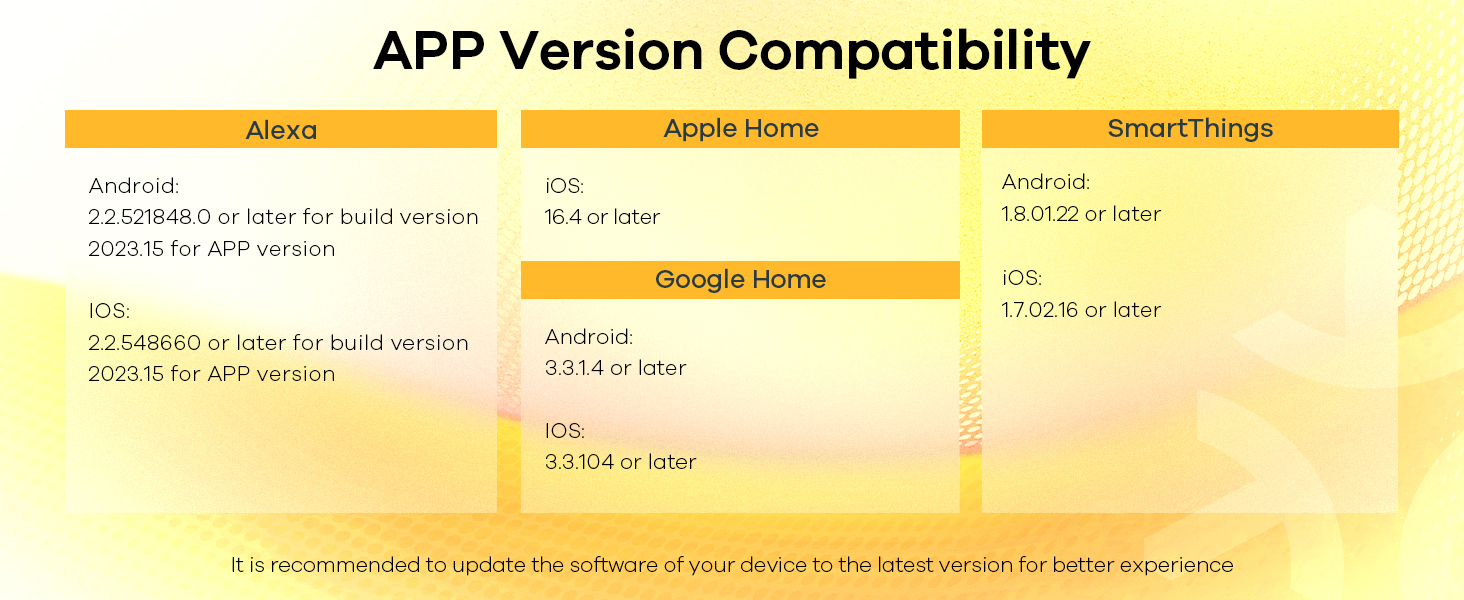
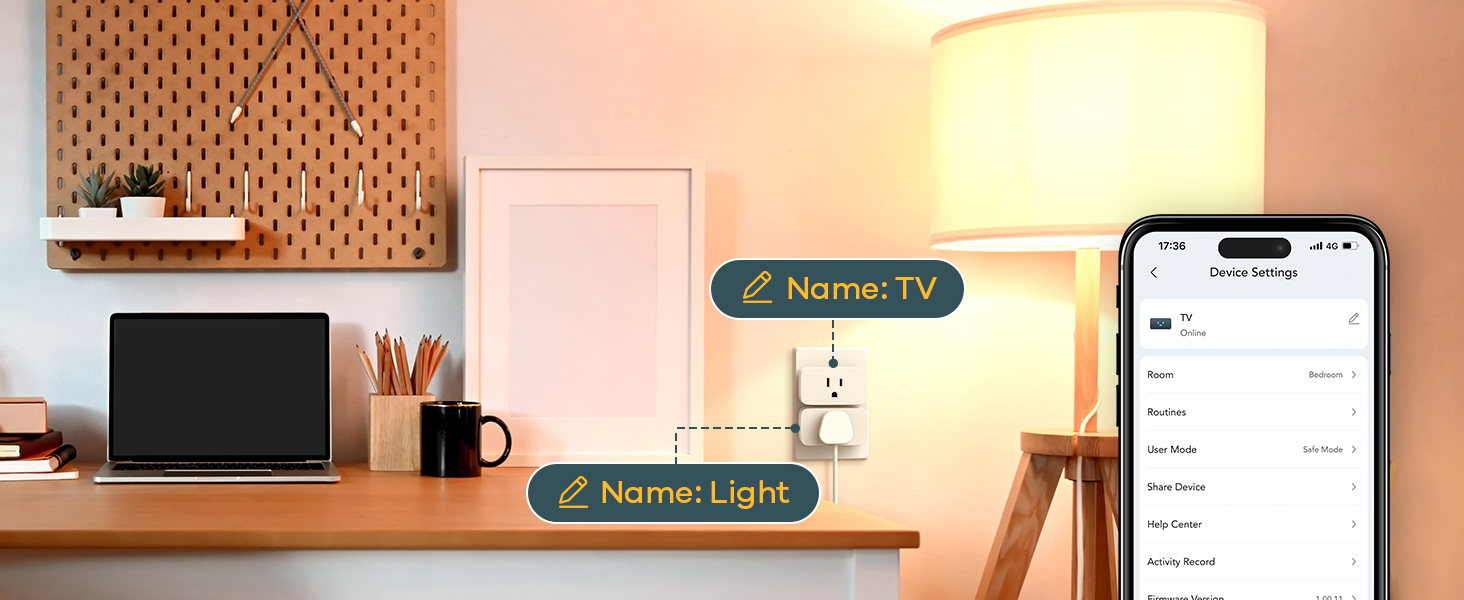
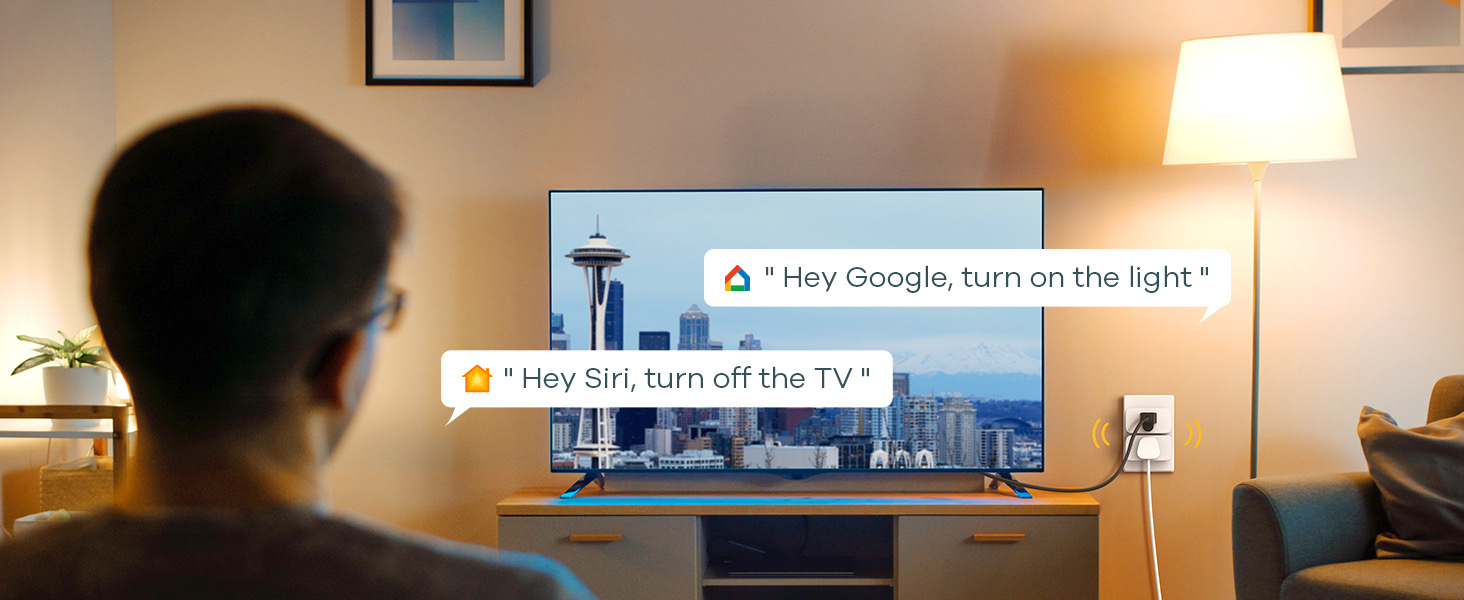
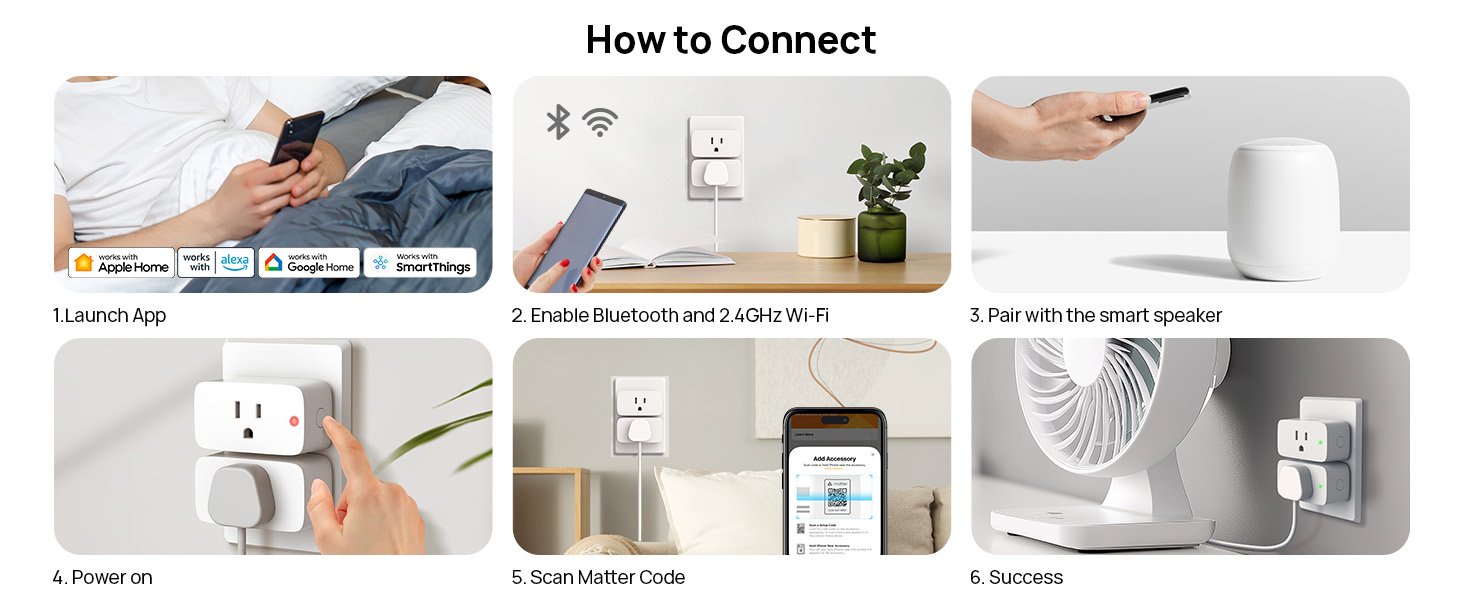
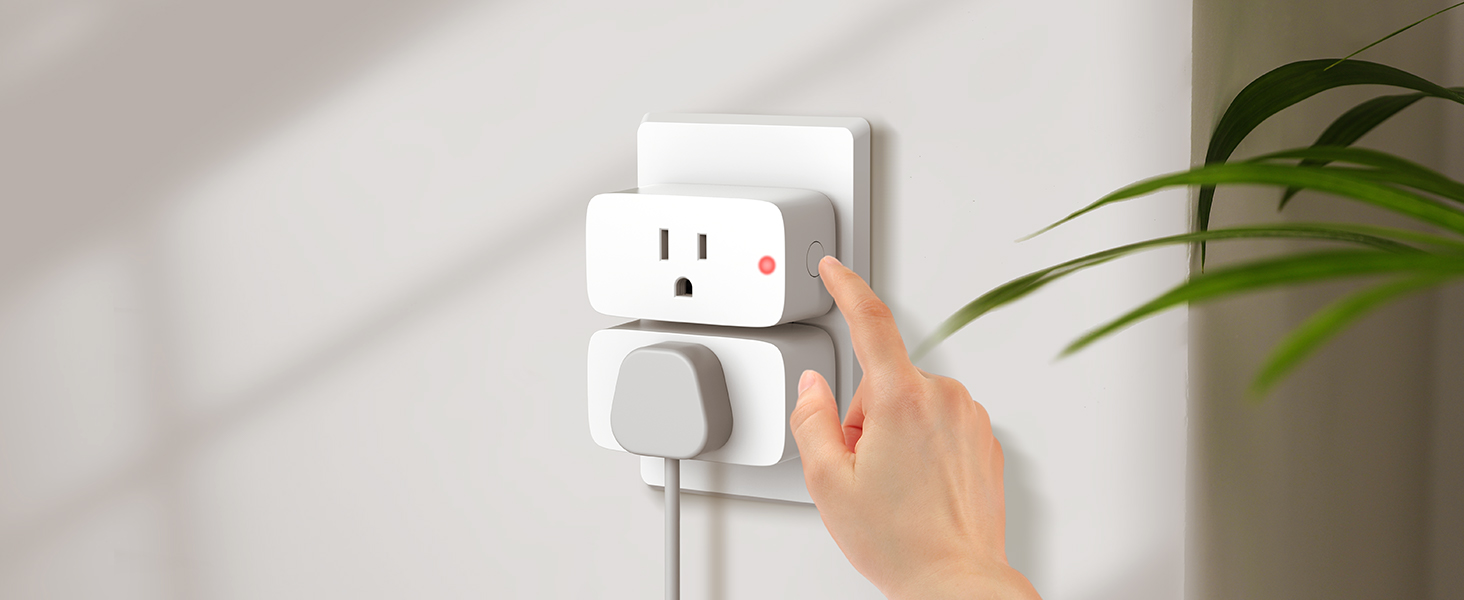
The Linkind Matter smart plug is a good example of the Wi-Fi-only path: it joins your existing network directly, shows up in Apple Home, Google Home, or Alexa through Matter, and needs nothing else purchased.

Linkind Matter Smart Plug 4-Pack

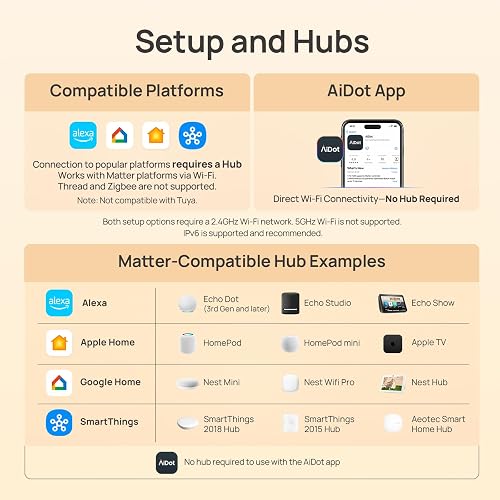









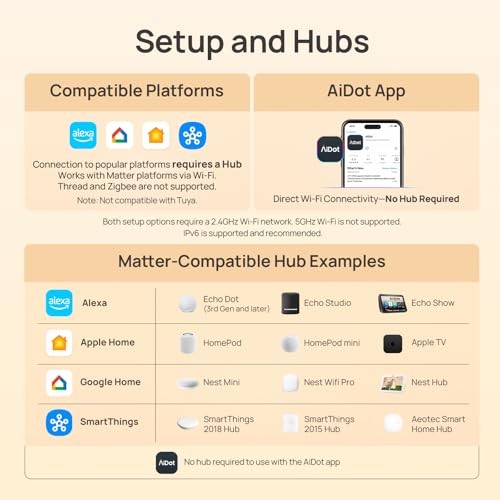
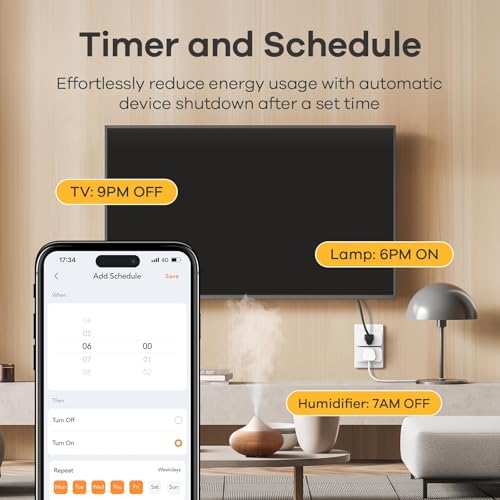
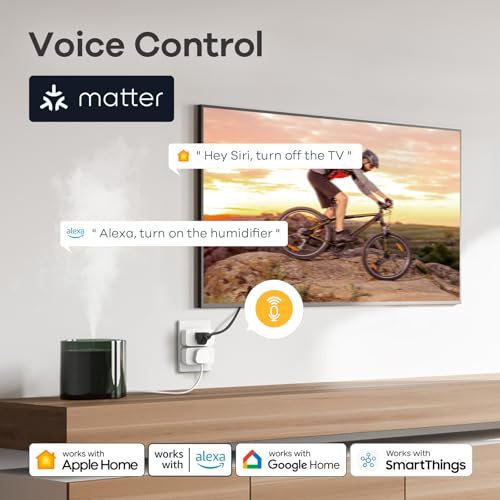
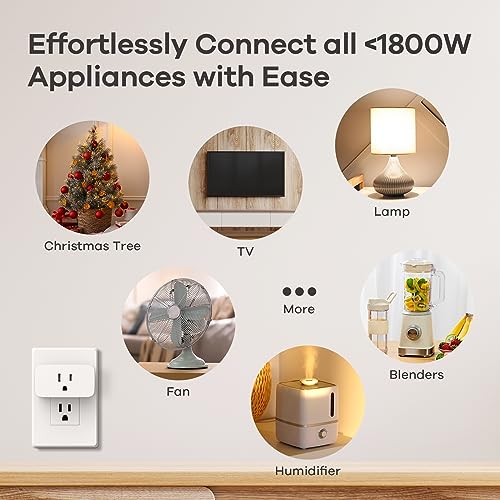

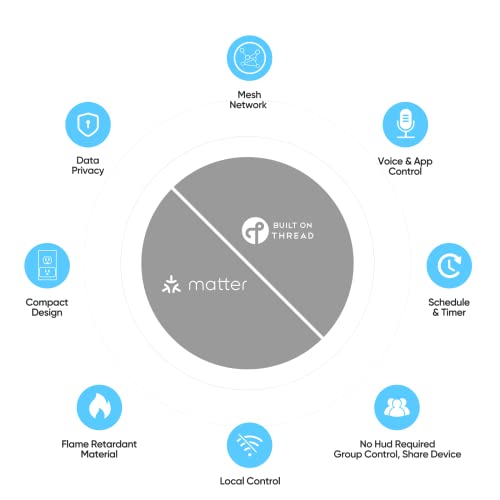
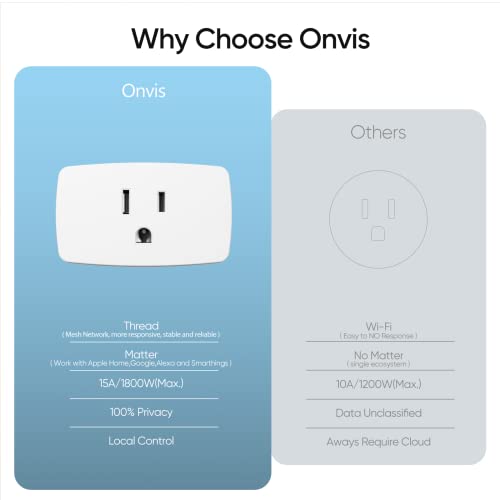
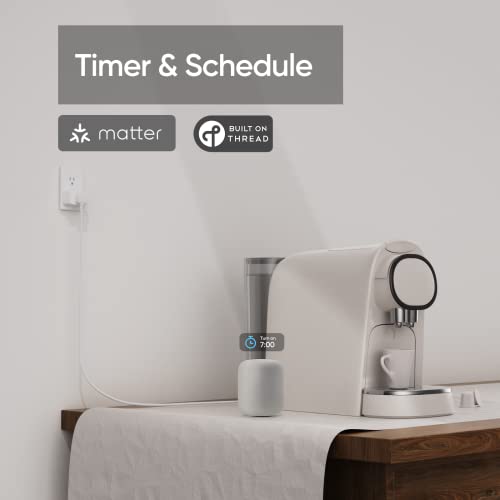
The Onvis Matter-over-Thread plug is the other path. It’s genuinely more efficient on a crowded network once it’s running, since Thread relays instead of competing for Wi-Fi airtime, but it will sit there doing nothing until a Thread border router is already live on your network.

Onvis Matter Over Thread Smart Plug 4-Pack

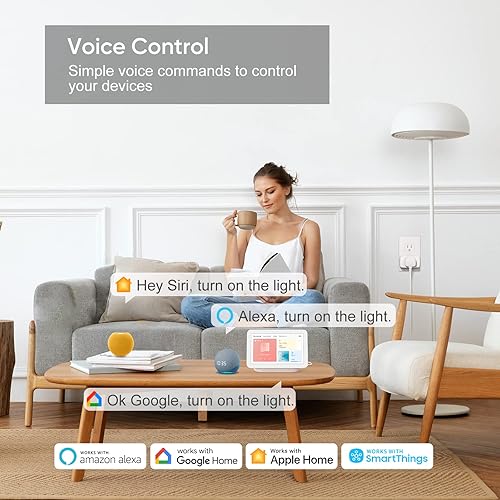





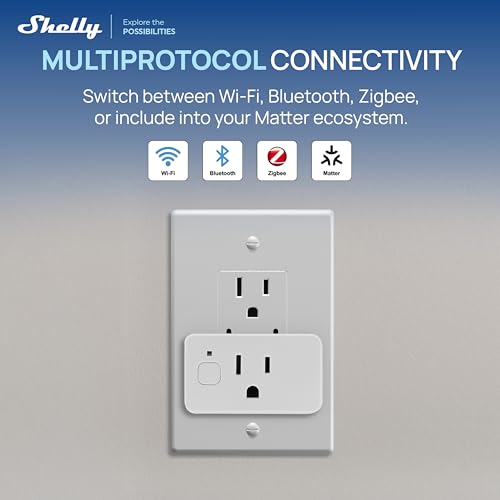
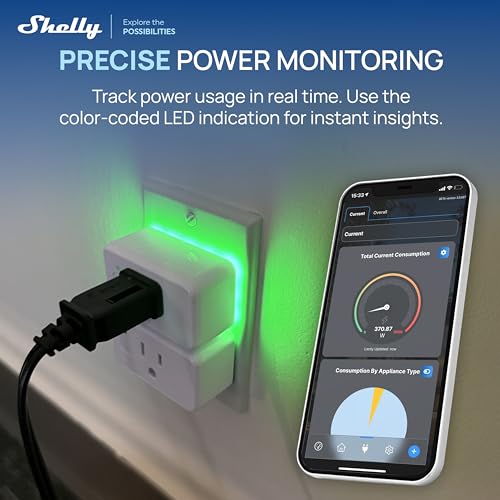
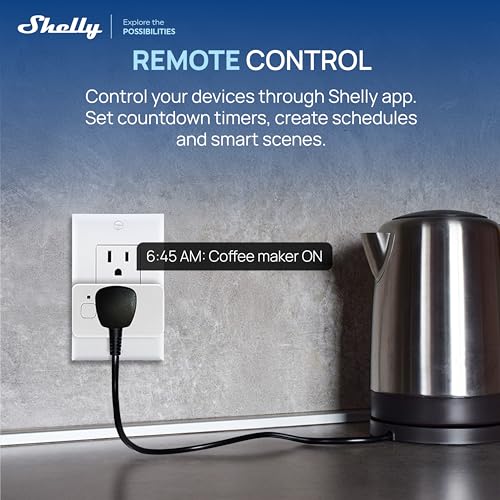
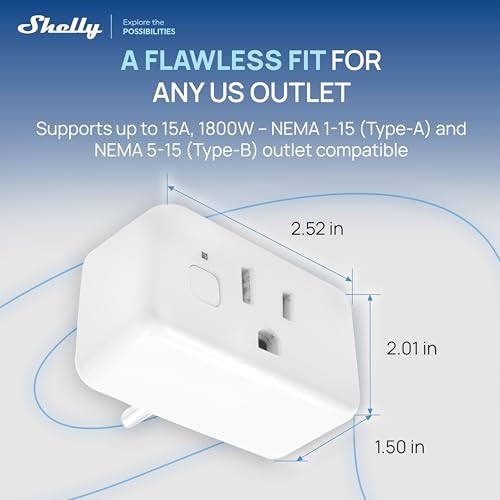
A third option worth knowing about is a multi-protocol device like the Shelly outlet, which supports Wi-Fi, Bluetooth, Zigbee, and Matter in the same unit and lets you pick the connection method at setup rather than being locked into one radio from the factory.

Shelly Plus US Gen4 Smart Plug, Matter, 1800W




Mixing Standards in the Same House
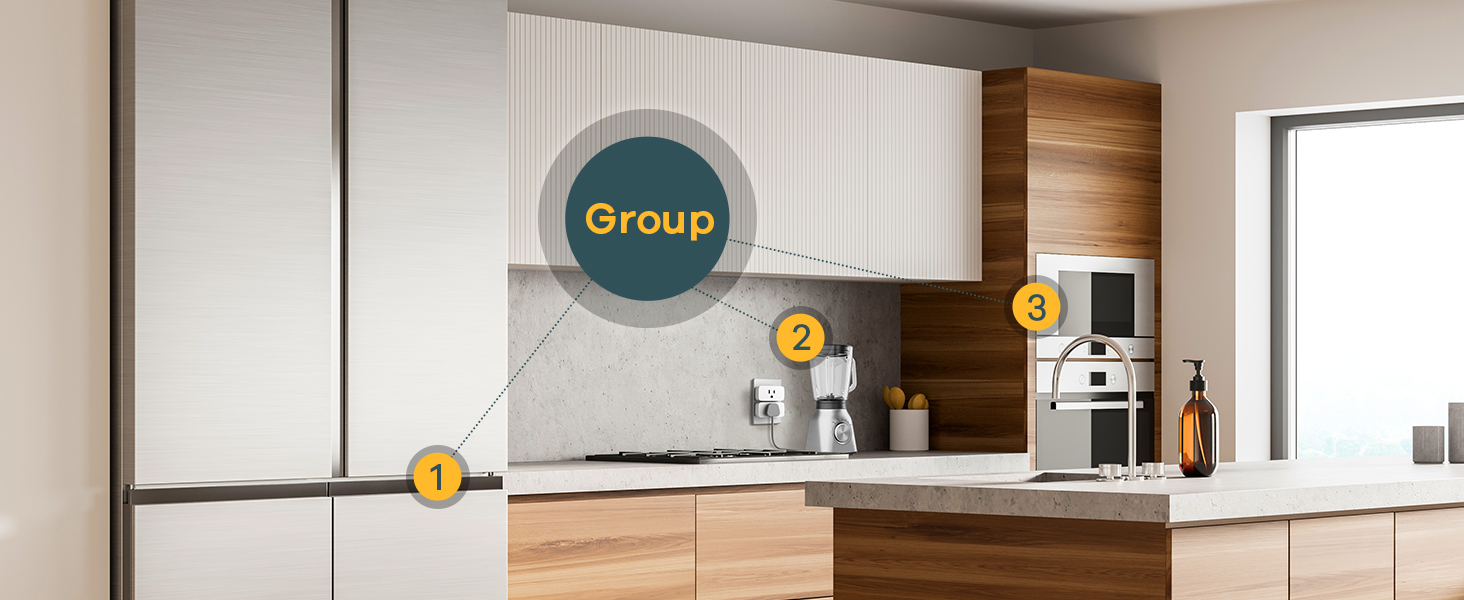
You don’t have to pick one standard for the whole house, and most real homes end up mixed: Wi-Fi plugs in the kitchen, a Zigbee bulb system left alone because it already works, and a couple of new Thread door sensors joining through whichever Matter hub happens to be plugged in near the front hallway. The only real planning decision is making sure at least one Thread border router exists somewhere central in the house before buying anything that lists Thread as its radio, since that’s the one piece that isn’t optional.
Frequently Asked Questions
Do I need a hub for every Matter device? No. Only Matter devices that use Thread as their radio need a border router present. Matter devices that use Wi-Fi connect directly to your existing network with nothing extra.
Is Zigbee going away now that Matter exists? Not soon. Existing Zigbee ecosystems keep working, and several Zigbee hub makers now bridge their devices into Matter through firmware updates rather than requiring a full replacement.
What’s actually different between Zigbee and Thread? Both are low-power mesh radios built for similar devices, but Zigbee networks are generally tied to one brand’s hub, while Thread is designed to be brand-agnostic and works through whichever Matter-compatible border router you already own.
Can a device support more than one standard at once? Yes, some newer devices support Wi-Fi, Bluetooth, Zigbee, and Matter together and let you choose the connection method during setup instead of being locked to one radio.
Quick Decision Guide
- Buying a plug or outlet, no existing hub: get a Wi-Fi Matter device. Nothing extra to buy.
- Already own a Nest hub, newer Echo, or Apple TV: you likely already have a Thread border router. Thread devices will work fine.
- Already invested in a Zigbee ecosystem: keep using it. Only weigh Thread/Matter for new device categories you don’t already own.
- Not sure what radio a device uses: check the spec sheet for the word “Thread” specifically. If it’s absent, assume Wi-Fi.
See our Matter smart home hub picks if you need a border router, or our Matter smart plug roundup if you’re starting with the simplest device category to convert first.