
Your security camera’s spec sheet says 100 feet of night vision, but the footage looks like a snowstorm: a white glowing haze where the porch should be, and the actual person walking up your driveway lost somewhere behind it. Then the app starts buzzing every twenty minutes about a moth, a passing car’s headlights, or nothing at all. Neither problem is a defective camera. Both come down to two fixable things: where the infrared light is bouncing, and what the motion detector is actually looking at.
Why Night Vision Looks Washed Out (It’s Not a Bad Camera)
Most outdoor cameras switch to infrared (IR) illumination automatically once light drops below a threshold, firing a ring of IR LEDs built into the housing to light the scene in a wavelength the sensor can see but your eye can’t. That light travels out from the camera, hits whatever is in front of the lens, and bounces straight back. If the nearest surface is close and reflective, most of that light never makes it to your driveway at all – it comes straight back into the lens and blooms into the flat white haze people mistake for a broken camera.
The giveaway is a washout that gets worse the closer something is to the lens, not the farther away it is. A camera that struggles at 50 feet but blows out completely at 3 feet doesn’t have a range problem. It has a reflection problem, and the reflection is almost always something the installer didn’t think to check for.
The Usual Suspects: Glass, Eaves, and Spider Webs
Three culprits cause the vast majority of washed-out night footage, roughly in order of how often we see them:
- Mounting behind glass or a storm door. IR light reflects off glass far more aggressively than off open air, and the closer the glass is to the lens, the worse the bloom. A camera mounted inside a window looking out will almost always wash out at night, even if it’s flawless in daylight.
- A soffit, eave, or overhang directly above the lens. Cameras mounted flush under a roof overhang bounce their own IR off the underside of that overhang, creating a glowing band across the top third of the frame that gets brighter the closer the mount is to the ceiling of the porch.
- Spider webs and dust on the housing. This one sounds minor and causes a disproportionate number of “my camera suddenly stopped working at night” tickets. A single strand of web a few inches from the IR LEDs catches the light at close range and reflects it directly back, and because it’s translucent, it’s invisible in daytime footage. It only shows up as a bright smear once the IR kicks on.
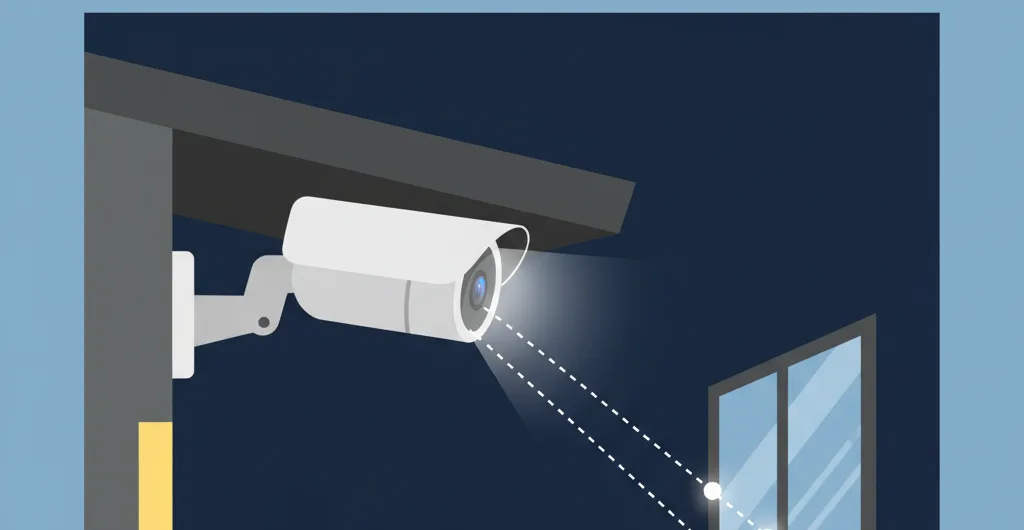
Where to Actually Mount It So IR Doesn’t Bounce Back
The fix for all three is the same principle: give the IR light open space to travel into before it hits anything. Mount outside any glass, not behind it – even an inch of clearance past a storm door frame is usually enough. Angle the camera down and away from any overhang instead of flush against the ceiling of a porch, so the beam exits into open air rather than the panel six inches above the lens. And check the housing itself every few months, since a $10 camera and a $250 camera both wash out identically the moment a web forms across the IR ring; wipe the lens ring with a dry cloth, don’t spray anything on it.
If relocating isn’t possible – a rental where you can’t drill outside the door frame, for example – look for a model with adjustable IR intensity in its app settings. Turning the IR down one or two steps often clears up close-range glare without losing real range, because most of the washout at close distance was excess light the scene never needed in the first place.
Why “Lower the Sensitivity” Makes False Alerts Worse, Not Better
The instinct when a camera won’t stop pinging is to drag the motion sensitivity slider down. This usually backfires. Sensitivity controls how much pixel change triggers a look, not what part of the frame counts. Turn it down enough to ignore a moth near the lens and you’ve also turned it down enough to miss a person walking at the edge of the yard, which is the one alert you actually wanted. You end up with a camera that misses real motion at the driveway and still fires on anything close to the lens, because close-up motion always produces a bigger pixel change than distant motion, no matter where the slider sits.
Motion Zones Are the Real Fix
Almost every camera released in the last few years supports drawing motion zones directly in the app – a shape overlaid on the live view that the camera only evaluates inside of. This is the actual solution to false alerts, because it fixes the where instead of the how-much. Draw a zone around the walkway and driveway, and exclude the street, the sidewalk if cars don’t need to trigger it, any tree branch that sways in wind, and the sky where headlights bounce off clouds. Leave sensitivity on a normal-to-high setting once zones are in place; a tighter zone with higher sensitivity catches real motion better than a wide-open frame with sensitivity turned down to compensate.
Person-detection filtering, when the camera offers it, is worth turning on alongside zones rather than instead of them. It filters out non-human motion inside the zone, which is exactly why the two features stack: the zone stops the camera from watching the street, and person detection stops it from alerting on the neighbor’s cat that wanders through the zone anyway.
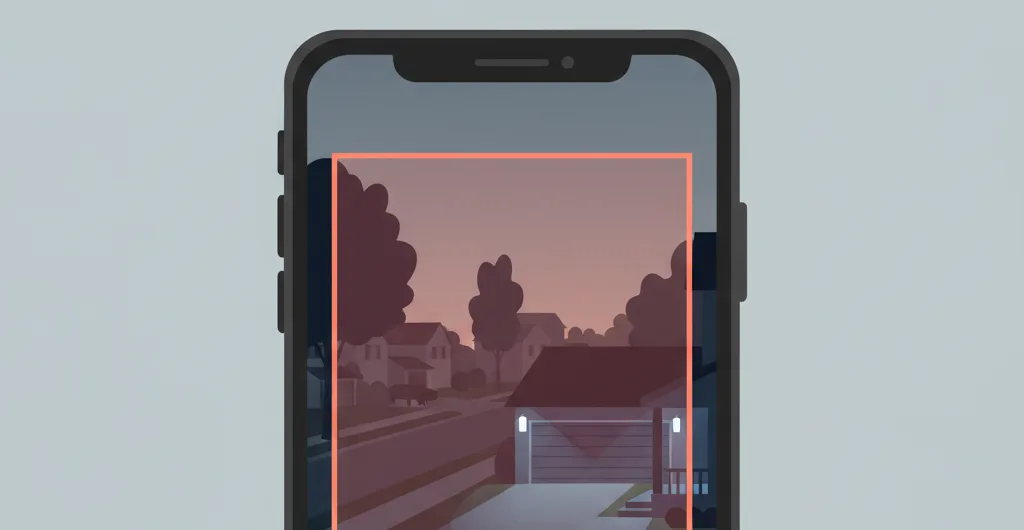
Color Night Vision vs Infrared: When Each Makes Sense
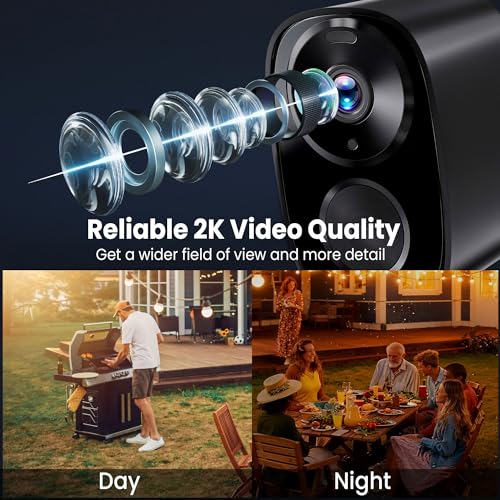
Some newer cameras skip IR entirely at night and instead use a larger sensor plus a built-in spotlight to record in full color, which sidesteps the IR-bounce problem altogether since there’s no infrared beam to reflect back into the lens. The tradeoff is that the spotlight itself is now a visible light source, which means it can wash out the same way against close glass or a low overhead surface, just in visible light instead of infrared. The mounting rules above still apply either way.
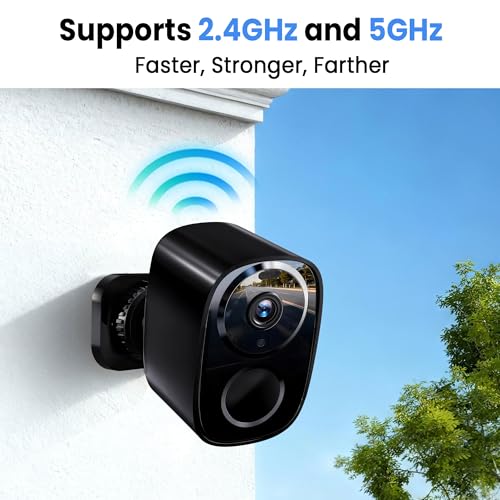
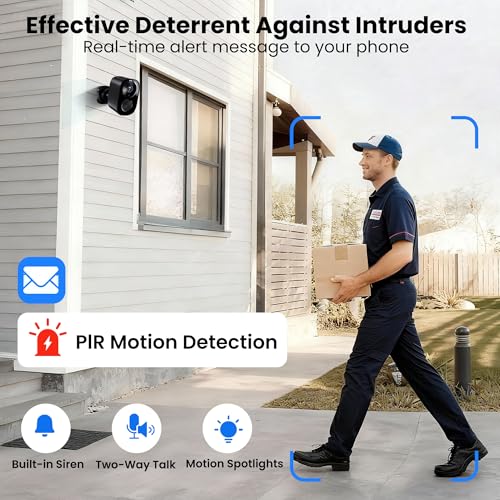
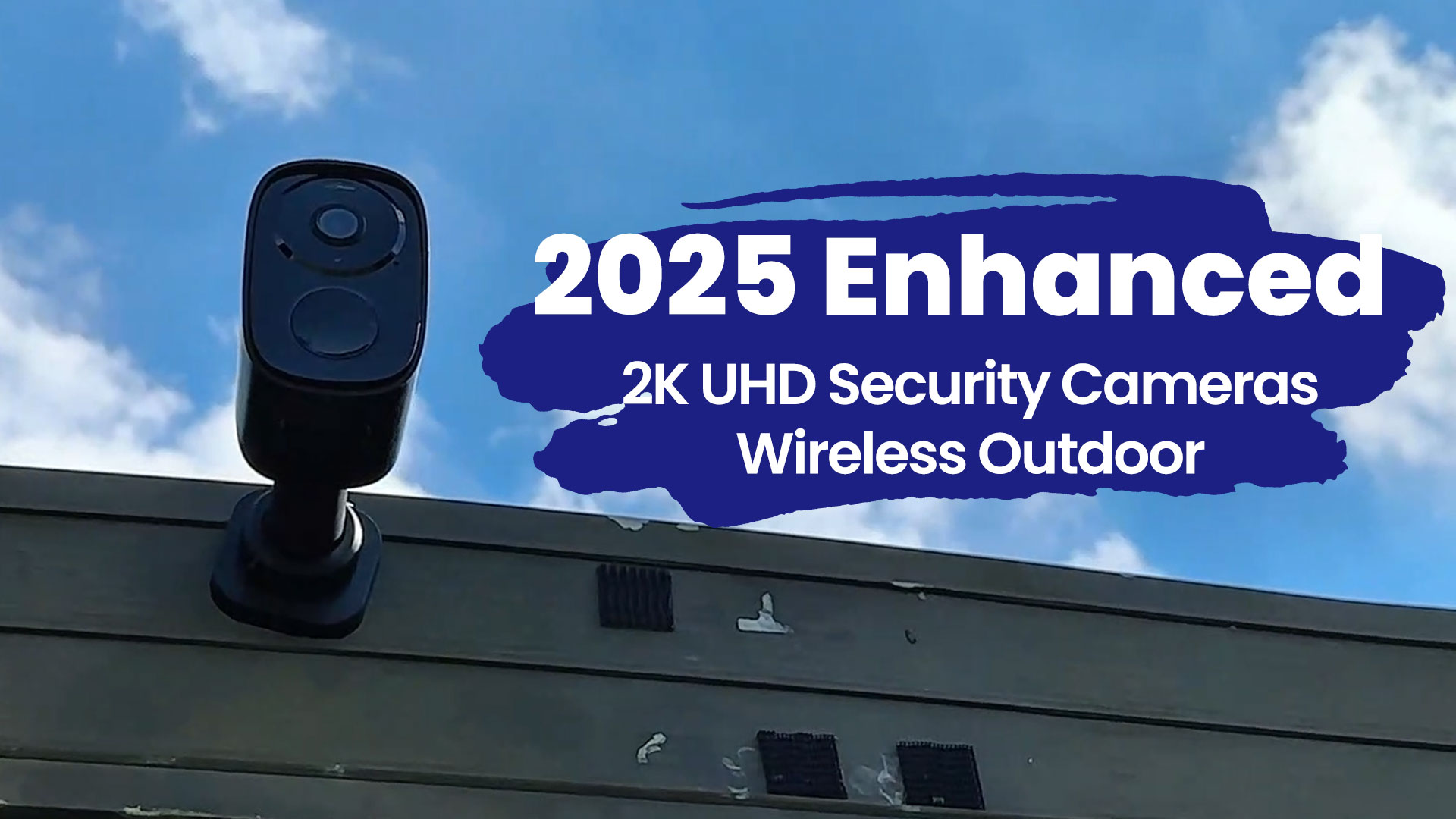
The outdoor security camera with night vision roundup covers models across both approaches. Of the color night vision options we’ve looked at, the 2K Enhanced Outdoor Security Camera pairs full-color night footage with configurable motion zones and adjustable alert sensitivity in the same app, which is the combination that actually solves both problems in this guide rather than one at the expense of the other.

realhide CB54W 2K UHD Wireless Outdoor Security Camera






Bandwidth and Wi-Fi Placement Matter Here Too
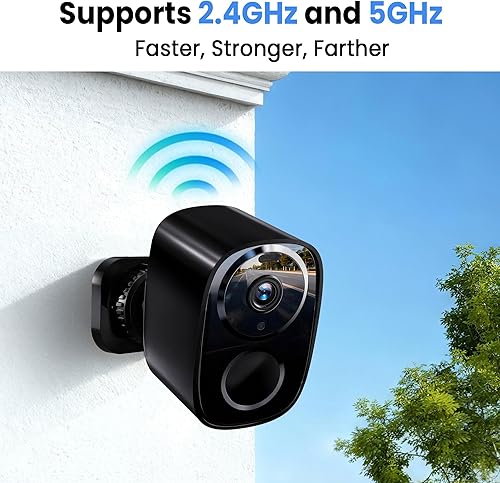
A camera that’s constantly triggering false alerts is also constantly uploading clips, and a weak Wi-Fi signal at the mounting spot makes every one of those uploads slower and more likely to drop frames right when something actually happens. If your camera is mounted far from the router, at the edge of a garage or the far corner of a yard, a marginal signal can look like a motion or recording problem when it’s really a connectivity problem wearing a disguise. Our best routers guide covers models with stronger range and better simultaneous-device handling if a camera at the far end of the property keeps dropping clips or lagging on live view.
Frequently Asked Questions
Why does my camera’s night vision look fine one week and washed out the next? Check for a new spider web or dust buildup on the housing first. It’s the most common cause of a sudden change with no settings adjusted.
Will a more expensive camera fix IR glare from glass or an overhang? No. IR bounce is a physics problem caused by mounting position, not a hardware quality problem, and it affects budget and premium cameras identically in the same bad spot.
Should I turn off night vision entirely to stop the glare? Don’t. You’d lose all visibility instead of fixing the underlying reflection. Relocate the mount, add clearance from glass or the overhang, or lower IR intensity in the app instead.
Do motion zones work the same on battery-powered cameras? Yes, and they matter even more there, since every false trigger drains battery. Tightening zones on a battery camera usually extends run time noticeably alongside cutting false alerts.
Quick Fix Checklist
- Washed-out or hazy night footage: check for glass, an overhang, or a spider web within a few inches of the lens before assuming the camera is defective.
- Constant false alerts: draw a motion zone around only the area you care about, then leave sensitivity at normal or high.
- Still getting alerts inside the zone: turn on person detection if the camera supports it, to filter out animals and moving branches.
- Clips lagging or dropping at a far mounting spot: the issue may be Wi-Fi range, not the camera or its settings.